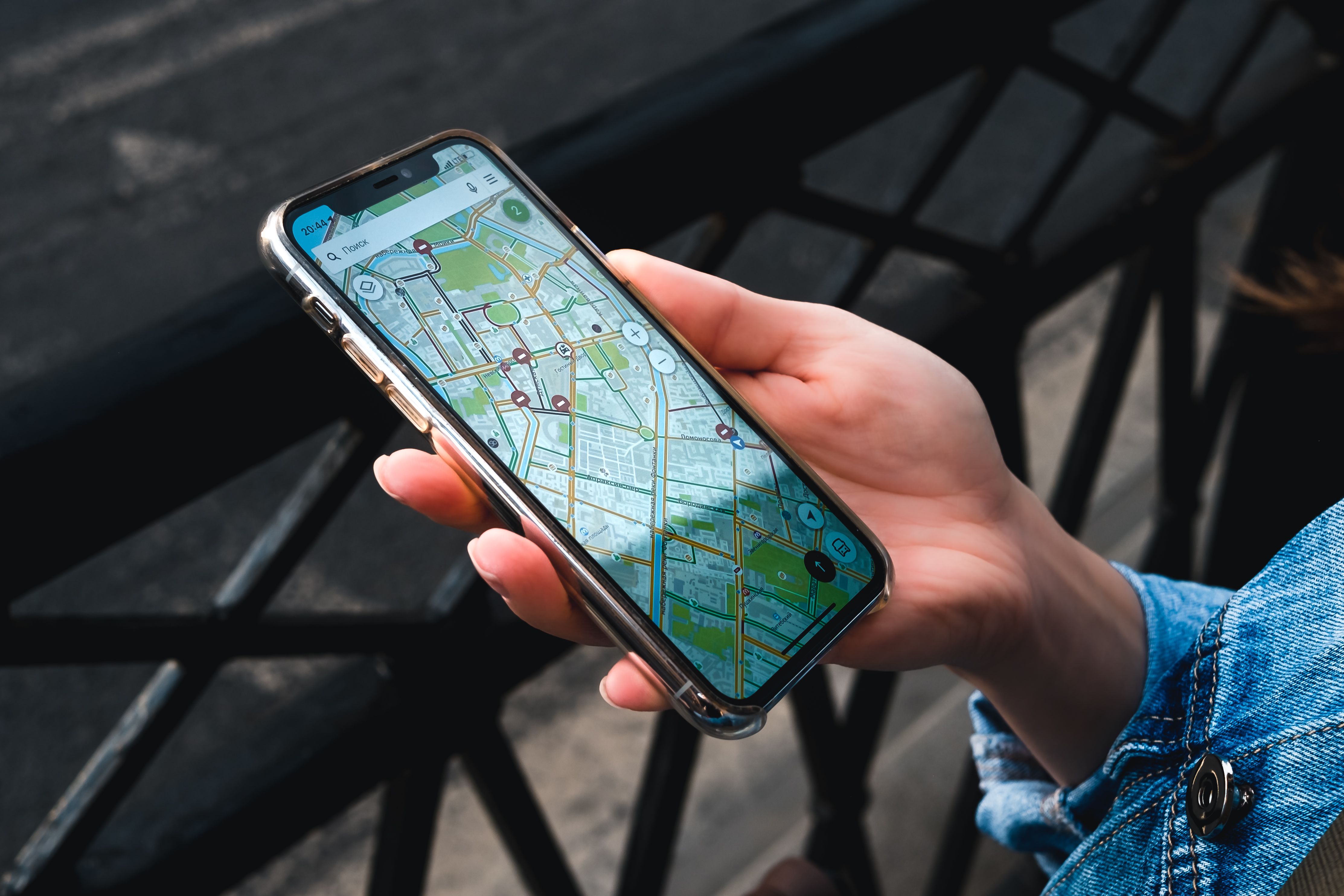

How to Get Your Erie Business on Google Maps

Why this matters more than your website at first
When somebody in Erie needs a plumber, they pull out their phone and type "plumber near me." What comes up first isn't a website. It's a map with three businesses pinned on it.
That map section is called the local pack, and it gets more clicks than everything below it. If your business isn't in there, you're invisible to most of the people looking for you right now.
The good news is that getting listed is free and takes about an hour. Most businesses around here either skip it or set it up halfway and forget about it. That's your opening.
What a Google Business Profile actually is
It's the listing that shows up on the right side of Google when someone searches your business name, and the pin that shows up on Maps. It holds your hours, phone number, address, photos, services, and reviews.
It used to be called Google My Business. Some people still call it that. Same thing.
It is separate from your website. You need both, and they work together. More on that below.
Step 1: Check if you already have one
Search your business name plus Erie on Google. Sometimes Google creates a listing on its own from public information, or a previous owner or employee set one up years ago.
If something shows up and you don't control it, look for a link that says "Own this business?" or "Claim this business." Click it and start the claim process.
If nothing shows up, go to google.com/business and create one from scratch.
Step 2: Get verified
Google needs to confirm you're real. These days that usually means recording a short video on your phone. They'll walk you through it and ask you to show your storefront or work vehicle, some equipment or tools, and then something that proves you have access, like unlocking a door or opening a register.
A few tips that save people headaches:
Record in one continuous take without stopping. Don't edit anything. Make sure the video shows something with your business name on it, like signage, a vehicle wrap, or a business card next to your work area.
If you get denied, you can try again. It happens. Usually the fix is showing more proof that ties your name to the location.
Verification can take a few days. Be patient and don't create a second listing while you wait. Duplicate listings cause real problems later.
Step 3: Pick the right category
This is the single most important field on the entire profile, and most people rush it.
Your primary category tells Google what searches to show you for. A "contractor" and a "roofing contractor" get shown for completely different things. Be as specific as you can.
Then add secondary categories for the other work you do. If you're a roofer who also does siding and gutters, add those.
Quick way to check what to pick: search the service you want to rank for, look at the businesses already showing up in the map pack, and see what categories they use. Their category shows up right under their name in the listing.
Step 4: Address or service area
If customers come to you, put your real address in and make sure it matches exactly what's on your website and everywhere else online. Same abbreviations, same suite number, same everything.
If you go to customers instead, hide your address and set a service area. List Erie plus the surrounding towns you actually cover, like Millcreek, Harborcreek, Fairview, Edinboro, Girard, North East, Waterford, and Corry.
Do not fake an address to look closer to downtown. Google catches it and suspensions are a nightmare to undo.
Step 5: Add real photos
Profiles with photos get more clicks. Not a small difference either.
Add your logo, a cover photo, the outside of your building so people recognize it when they pull up, the inside, your team, and your actual work. Before and after shots do really well if you're in a trade.
Skip the stock photos. People can tell, and it makes you look like every other listing.
Try to add a few new photos every month. Google notices activity.
Step 6: Fill in everything else
Go through the whole profile and leave nothing blank.
Hours, including holiday hours. Nothing frustrates a customer more than driving over on a Saturday to find you closed.
Your services, listed out individually with short descriptions. This is another place Google reads to figure out what you do.
Your business description, up to 750 characters. Write it like a person, mention Erie naturally, and say what you do and who you do it for.
Your website link. Point it at your homepage, or better, at the specific service page that matches.
Turn on messaging if you'll actually answer it. Turning it on and ignoring it is worse than leaving it off.
Step 7: Get reviews, and reply to them
Reviews are one of the biggest factors in whether you show up in the map pack. They're also the first thing a customer looks at.
The way to get them is simple. Ask. Right when a job goes well and the customer is happy, ask them then. Not a week later.
Google gives you a short review link in your profile dashboard. Text it to people. Don't make them search for you.
Reply to every review, good and bad. A calm, professional reply to a bad review does more for you than the review hurts. People read how you handle problems.
Never buy reviews. Google is good at spotting them now, and getting caught can take your whole profile down.
Step 8: Keep it alive
A profile you set up once and never touch slowly loses ground to the ones being maintained.
Post an update every couple of weeks. It can be a job you finished, a seasonal reminder, a special, anything. Answer questions people leave in the Q and A section. Actually, go ahead and post a few common questions yourself and answer them. That's allowed and it fills in useful information.
Update your hours whenever they change.
Where your website fits in
Here's the part people miss. Your Google profile and your website feed each other.
Google looks at your website to decide whether to trust and rank your profile. If your site is slow, thin on content, or doesn't clearly say what you do and where you do it, your profile has less to stand on.
Three things that help the most:
Your name, address, and phone number need to match your profile exactly on your website. Put them in the footer on every page.
You need real pages for your services. A single page that lists eight services in bullet points doesn't give Google much. Separate pages do.
Your site needs to load fast on a phone. People tapping through from a map are usually standing outside somewhere on a weak signal. If your site takes six seconds, they're gone and back to the next pin.
That last one is why I hand code everything I build instead of stacking plugins on a template. You can read more about how I build sites or check what I do for local SEO.
Mistakes I see around Erie all the time
Listing a home address when you don't want customers showing up there. Hide it and use a service area instead.
Picking a category that's too broad. "Business" or "Store" tells Google nothing.
Stuffing keywords into your business name. Putting "Erie Best Cheap Roofing Company" as your name when you're legally "Smith Roofing" can get you suspended.
Two listings for the same business, usually from an old claim nobody remembers making. Merge them.
Letting reviews sit with no reply for months.
Common questions
Does this cost anything? No. A Google Business Profile is free. Anyone charging you just to set one up is charging for their time, not for the listing.
How long until I show up? You'll usually appear within a few days of verification. Ranking in the top three takes longer and depends on reviews, categories, your website, and how many other businesses are competing.
Do I need a website if I have a Google profile? Yes. The profile gets you seen. The website is what convinces someone to call instead of clicking the next pin. And a good site helps the profile rank in the first place.
What if my business doesn't have a storefront? That's fine. Most trades and service businesses don't. Hide your address and set your service area.
Can I do all this myself? Absolutely. It's one afternoon of work. If you'd rather not deal with it, I can handle the setup along with the rest of your site.
Need help getting found in Erie?
If you want your profile set up right the first time, or you've got one that isn't showing up and you can't figure out why, reach out. I'll take a look and tell you what I see, free.
Call or text (814) 547-9954 or use the contact form.